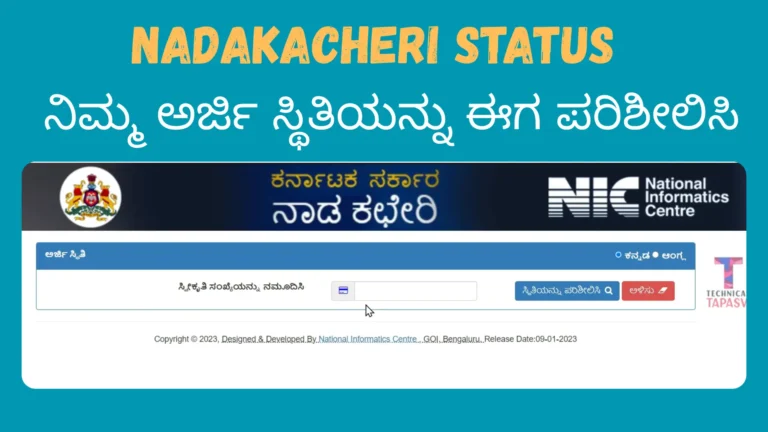
How To Apply & Download OBC Certificate Instantly in Nadakacheri Karnataka
“Confused about which OBC certificate to apply for in Karnataka state, central, or non-creamy layer? Not sure if your family income qualifies under ₹8 lakh? Worried your application will get rejected again? The OBC certificate and non-creamy layer certificate are among the most important documents for candidates belonging to the Other Backward Class (OBC) category. These certificates are required for government jobs, central and state exams, admissions, and reservation benefits.
With the launch of Nadakacheri 5.0, the Karnataka government has made the process almost fully digital. In many cases, certificates are now issued on the same day through the e-Kshana system if the applicant’s Aadhaar and records match government databases.
This detailed guide explains what each certificate means, which one you need, and how to apply and download your OBC or non-creamy layer certificate online without confusion.
What Is an OBC Certificate and Why Is It Important?
An OBC certificate officially confirms that a person belongs to a community listed under the Other Backward Classes by the government. It is used as proof for claiming reservation benefits.
People search for terms like obc certificate apply, obc certificate online, or obc caste certificate download because this document is mandatory for:
Without a valid OBC certificate, reservation benefits cannot be claimed, even if the person belongs to an eligible caste.
Difference Between State and Central OBC Certificate
This is where most applicants get confused. A state OBC certificate is issued for benefits under the state government. In Karnataka, OBC categories are shown as 2A, 3A, and 3B.
A central OBC certificate, on the other hand, is required for central government jobs and exams like UPSC. This certificate must clearly mention that the applicant belongs to the non-creamy layer.
If you are applying for a central government job or UPSC, a normal caste certificate alone is not enough.
What Is Non-Creamy Layer in OBC?
The term non-creamy layer refers to OBC candidates whose family income is below ₹8 lakh per year. Only non-creamy layer candidates are eligible for reservation benefits under the central government.
Non-Creamy Layer in OBC
If your parents’ income and status fall below the government-defined limit, you are considered non-creamy layer OBC and can claim reservation benefits.
Creamy Layer in OBC
If the family income is above ₹8 lakh per year or parents hold high-ranking government posts, the applicant falls under the creamy layer and is not eligible for OBC reservation benefits.
This is why many people search for creamy layer and non-creamy layer difference, non creamy layer certificate for UPSC, and obc non creamy layer certificate apply online.
Which Certificate Should You Apply For?
Choosing the correct certificate saves time and avoids rejection. If you need proof only for state-level use, apply for a Caste Certificate (OBC). If you are applying for UPSC, SSC, NEET, or central government jobs, you should apply for:
The Income and Caste Certificate is preferred by many applicants because it confirms caste and income together, reducing document mismatch issues.
How to Apply for OBC Certificate Online via Nadakacheri 5.0
To apply for OBC certificate through Nadakacheri Portal 5.0 follow the steps given below:
Step 1: Open the Official Nadakacheri Portal
Step 2: Login Using Mobile OTP

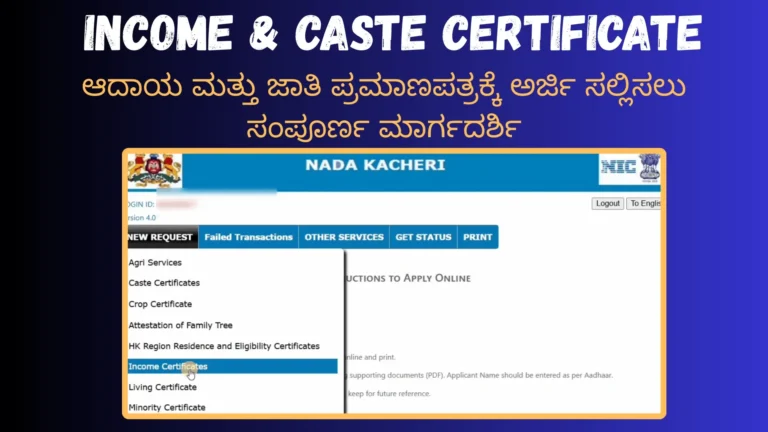
Step 3: Select “New Request”
Use the search bar to find:

Step 4: Fill Application Details Carefully
You’ll be asked for:
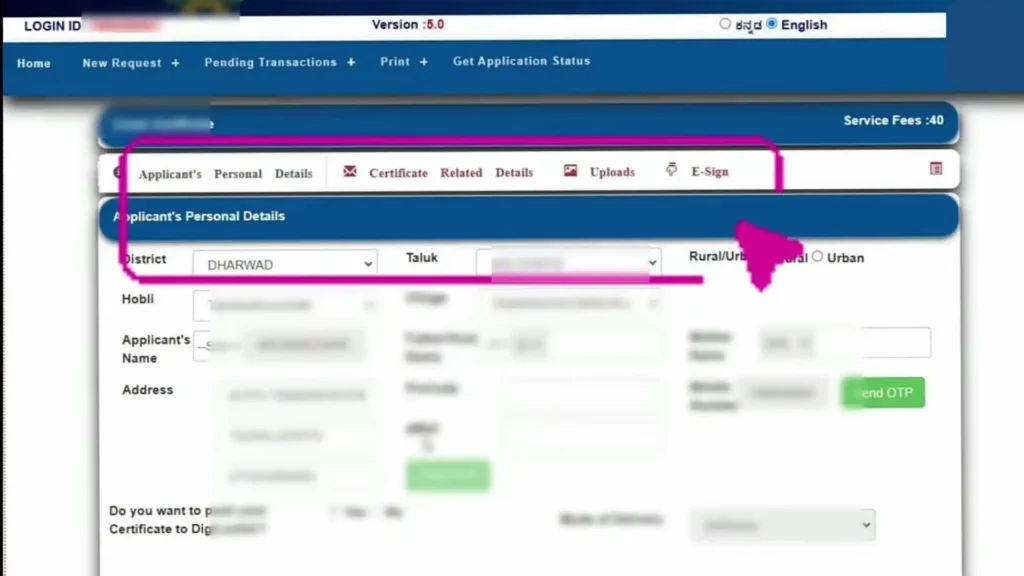
If you have a ration card, selecting it will auto-fill family details.
If not, Aadhaar OTP verification can be used instead.
Step 5: Upload Documents
Documents must usually be uploaded in PDF format. Commonly required documents include:
Many applications are rejected due to wrong file format or unclear documents, so ensure everything is readable.
Step 6: Aadhaar e-Sign and Fee Payment
After reviewing the application:
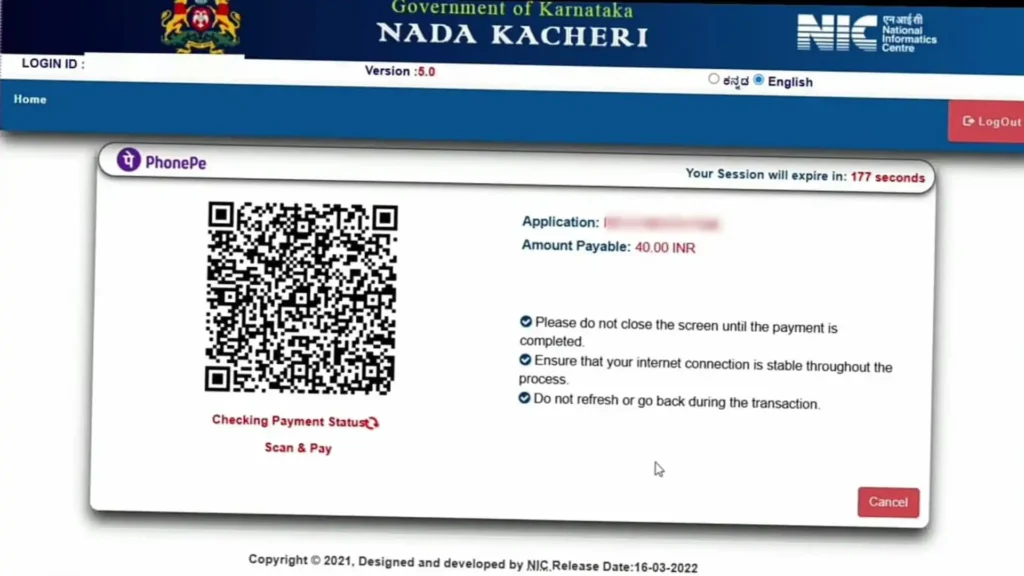
This step confirms that the application is genuine and verified.
Step 7: Submit and Save Acknowledgment
After submission, you’ll receive an acknowledgment slip with an application number. This number is essential for:
Step 8: Track Application and Download Certificate
Through Nadakacheri status check or track Application option and enter your reference number. Once approved:
If You Cannot Find “OBC Certificate (Central)” This happens frequently. In such cases:
Most central authorities accept Income and Caste Certificate as valid proof of OBC non-creamy layer status.
Applying Through Seva Sindhu Portal
You can also apply through: https://sevasindhu.karnataka.gov.in This portal provides access to:
Many services here internally connect to Nadakacheri, so the process remains similar.
How to Apply Through Seva Sindhu Portal
If you can’t apply through Nadakacheri you can also apply through Seva Sindhu Portal for OBC certificate. To apply through Seva Sindhu portal follow the steps given below:
Step 1: Visit the Official Seva Sindhu Website
Step 2: Register or Login
If you are a new user:
If you are an existing user:
This one-time registration allows you to apply for multiple services in the future.
Step 3: Access the Services Section
After login:
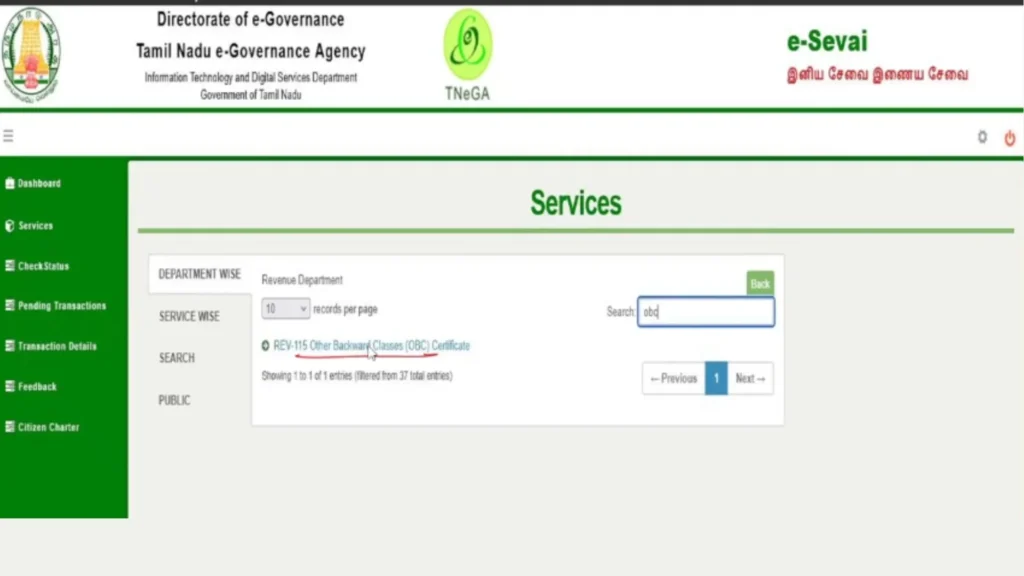
Step 4: Understand the Service Details Page
Before applying, Seva Sindhu shows:
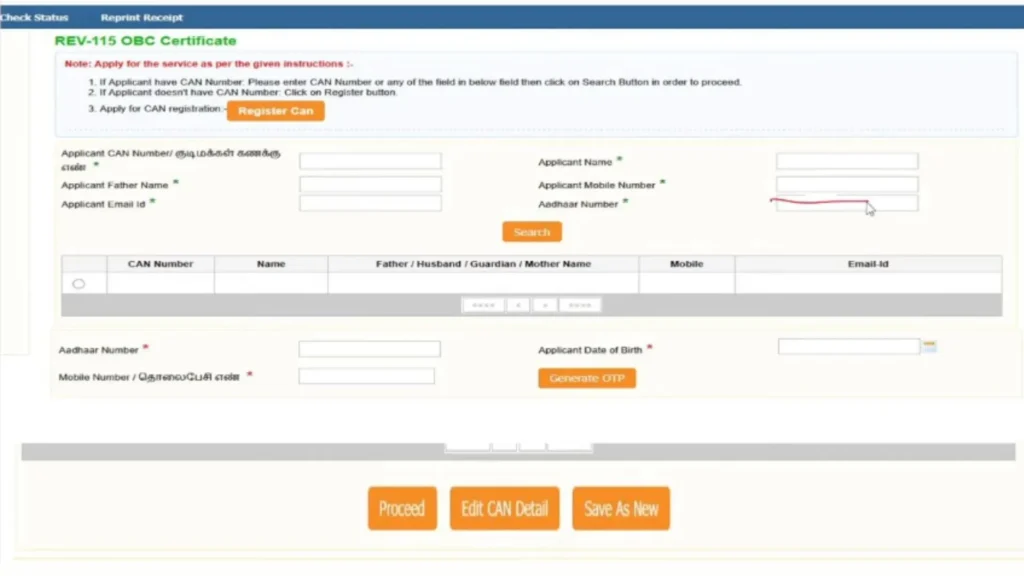
Step 5: Fill the Online Application Form
You will be asked to enter:
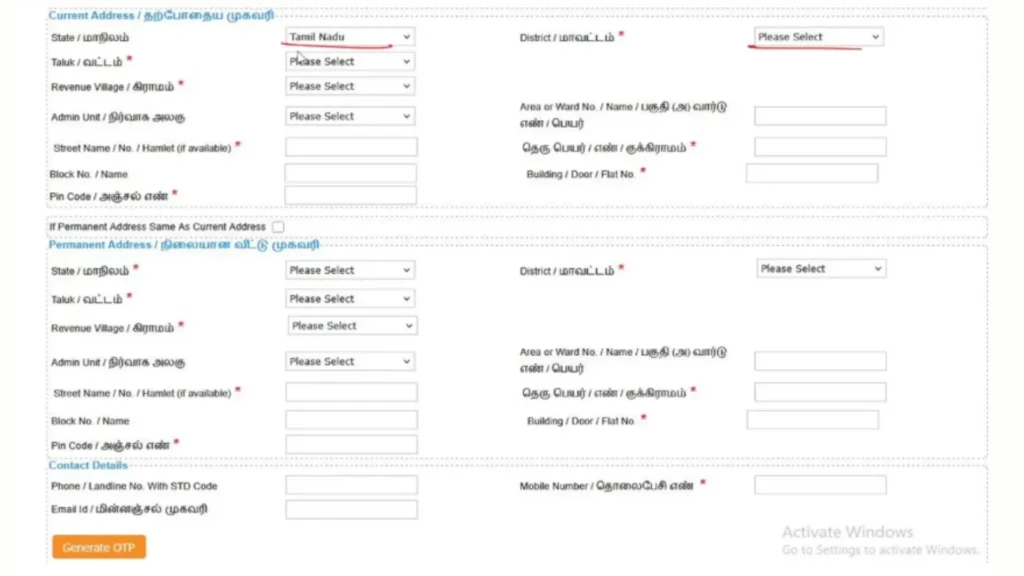
Step 6: Upload Documents Carefully
Documents usually required:
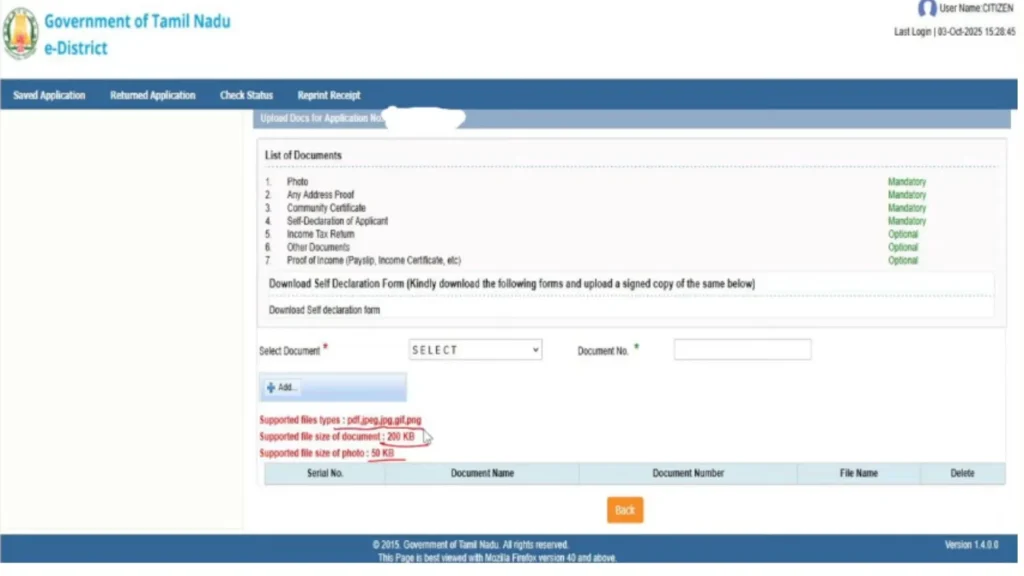
Files should be:
Uploading unclear or wrong documents is the most common cause of rejection.
Step 7: Aadhaar e-Sign Verification
After uploading documents:
Without e-Sign, the application will not move forward.
Step 8: Pay the Service Fee
Service fee usually ranges between ₹25 and ₹50, depending on the certificate.
Payment modes include:
Once payment is successful, your application is officially submitted.
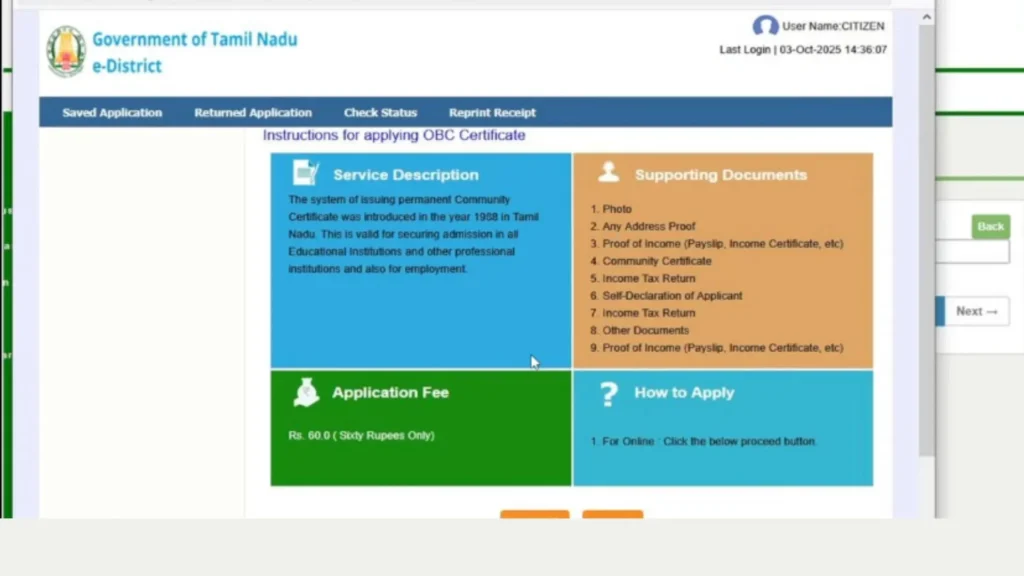
Step 9: Receive Acknowledgment and Reference Number
After submission:
Save or print this acknowledgment for safety.
Step 10: Verification and Processing Stage
After submission:
Processing time usually ranges from 7 to 30 days, depending on district workload.
Step 11: Track Status and Download Certificate
You can check status anytime from:
Once approved:
Download OBC or Non-Creamy Layer Certificate
After approval, you can:
There is no need to visit an office for a signed copy.
If “OBC Certificate (Central)” Is Not Visible
This is a common issue. Try the following:
If still unavailable, apply for:
Important Tips to Avoid Rejection
Conclusion
Applying for an OBC certificate or non-creamy layer certificate online has become much simpler in 2026. With Nadakacheri 5.0, most applicants can complete the process from home, track progress online, and download a digitally valid certificate.
Choosing the correct certificate and submitting accurate information ensures faster approval and avoids unnecessary delays.