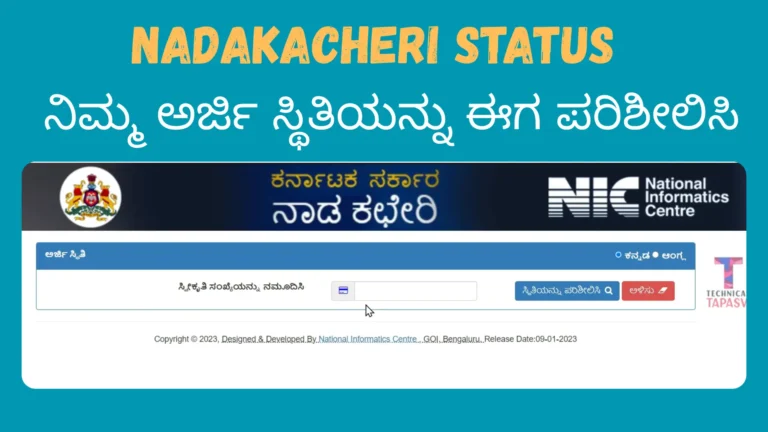
How to Apply for Nadakacheri Income and Caste Certificate Online in Karnataka
Caste Certificate and Income Certificate are two important documents issued through the Nadakacheri 5.0 portal in Karnataka. These certificates are required for education admissions, scholarships, reservation benefits, government jobs, subsidies, and welfare schemes.
Both services are available on the same Nadakacheri (Atalji Janasnehi Kendra – AJSK) portal, but you must apply for them separately. When you submit each application, you will receive a different RD number. Also, each certificate is checked and approved separately by the revenue department officials. This guide explains both applications clearly and step by step so you can apply without confusion or delay.
What is the Difference Between Caste and Income Certificate?
Before applying, it is important to understand their purpose.
Caste Certificate:
- Confirms a person’s caste category (SC, ST, OBC, etc.) as per Karnataka government records. It is mainly used for reservation and category-based benefits.
- Income Certificate:
- Confirms the total annual income of a family. It is required for scholarships, fee concessions, EWS benefits, and subsidy schemes.
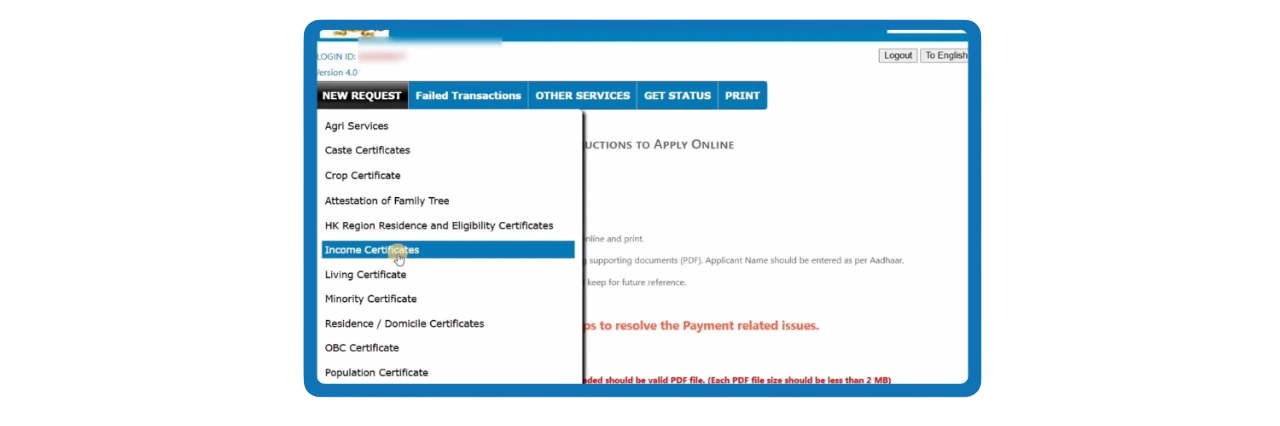
Even though both are issued through the same portal, the verification focus is different:
- Caste Certificate checks caste records and family background.
- Income Certificate checks income proof and financial details.
Follow Step-by-Step Process to Apply Online
Follow the below steps to apply for the Nadakacheri certificates online:
- Visit the Official Nadakacheri Portal
- Go to the official Nadakacheri website https://nadakacheri.karnataka.gov.in/
- Click on “Apply Online”
- Select the online application option from the homepage.
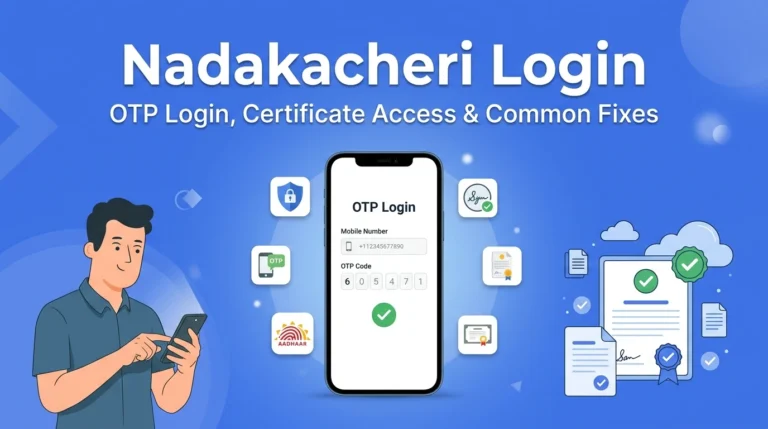
- Login with Mobile Number
- Enter your Aadhaar-linked mobile number and verify it using OTP.
- Select the Required Certificate
- Select Caste Certificate if applying for caste verification.
- Select Income Certificate if applying for income verification.
- Fill in the Application Form
- For Caste Certificate
- Enter applicant’s full name.
- Provide father’s and/or mother’s name.
- Enter complete residential address.
- Provide Aadhaar number.
- Select the correct caste category carefully.
- Make sure the caste details match official government records.
- Review all the information before submitting the form.
- For Caste Certificate
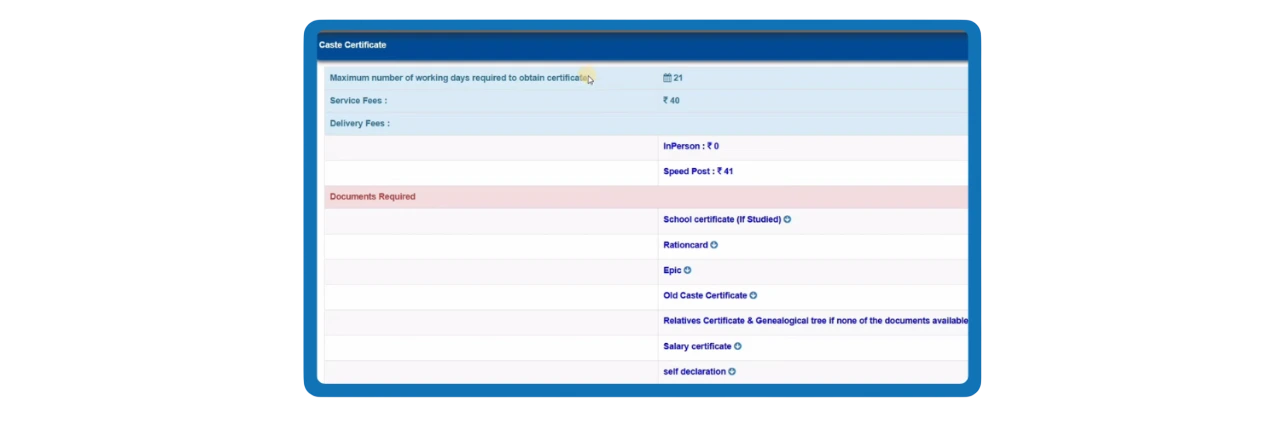
- For Income Certificate
- Enter applicant’s full name.
- Provide father’s and/or mother’s name.
- Enter complete residential address.
- Provide Aadhaar number.
- Enter total annual family income.
- Provide occupation details of earning members.
- Declare income from all sources (salary, agriculture, business, pension, etc.).
- Double-check all details before submitting the form.
- Upload Required Documents
- Upload scanned copies of all supporting documents.
- Caste application requires caste proof documents.
- Income application requires income proof documents.
- Upload scanned copies of all supporting documents.
- Pay the Prescribed Fee and Submit
- Complete the online payment process and submit the application.
- After submission, you will receive an RD Number. Each certificate application will have a separate RD number.
What is the Eligibility Criteria?
For Caste Certificate
- Applicant must belong to a caste listed in the official Karnataka government caste list.
- Caste details entered in the application must match family or revenue records.
- Supporting documents such as parent’s caste certificate or earlier caste proof may be required.
- In some cases, revenue officials may ask for a Family Tree Certificate as additional proof of family relationship. If you do not have one, read our detailed guide on how to apply for a Family Tree Certificate.
- Incorrect caste selection can lead to rejection during verification.
For Income Certificate
- Applicant must declare total annual family income accurately.
- Income from all sources (salary, agriculture, business, etc.) must be included.
- Valid income proof such as salary slips, employer certificate, or self-declaration is required.
- Mismatch between declared income and documents may result in rejection.
Providing false or misleading information in either application can lead to rejection by the Village Accountant or Tahsildar.
Documents Required for Income and Caste Certificate
For Caste Certificate
- Aadhaar Card
- Ration Card
- Address proof
- Parent’s caste certificate
- Supporting caste proof documents issued by revenue authorities
For Income Certificate
- Aadhaar Card
- Ration Card
- Address proof
- Salary slips (if employed)
- Employer income certificate
- BPL card (if applicable)
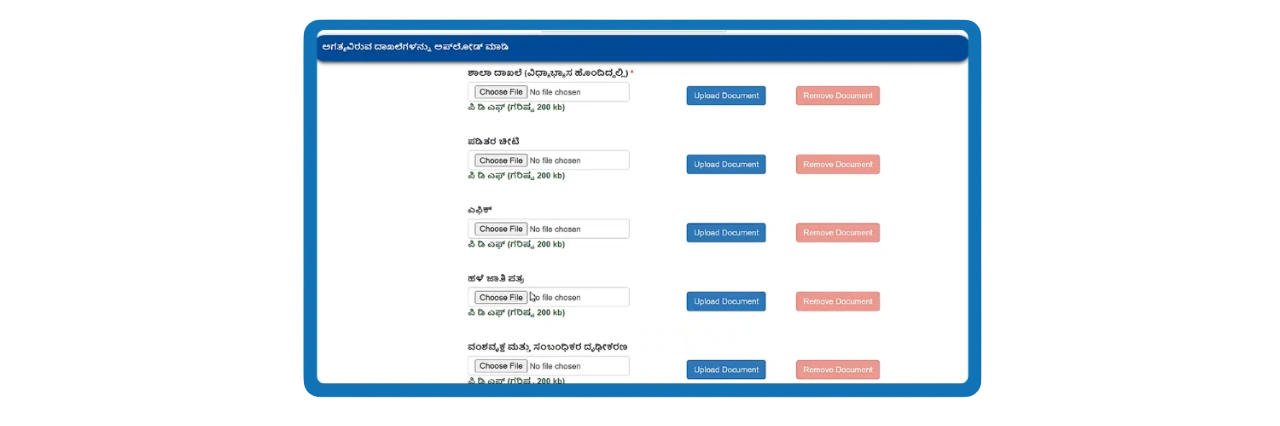
Upload clear and correct documents in the required format. If the documents are unclear or wrong, it may delay the verification process.
Verification and Approval Process
Both applications follow almost the same verification process in government offices, but the officials check different information:
- Stage 1: Village Accountant (VA) Review
- The Village Accountant checks the basic details provided in the application form.
- For a Caste Certificate, the VA verifies caste records, family background, and local government records.
- For an Income Certificate, the VA reviews income documents, occupation details, and income declarations.
- If required, the VA may contact the applicant for clarification or additional documents
- Stage 2: Revenue Inspector (RI) Review
- The Revenue Inspector conducts a second-level verification of the submitted documents.
- The RI ensures that all information provided matches official government records.
- If needed, the RI may recommend field verification to confirm the details.
- Any discrepancies found at this stage must be clarified before the application moves forward.
- Stage 3: Tahsildar Approval
- The Tahsildar of the concerned taluk reviews the complete file after verification.
- The Tahsildar gives the final approval or rejection based on the verification reports.
- In some cases, field verification may be conducted before final approval.
- Once approved, the certificate becomes available for download from the portal.
How to Check Application Status?
For both certificates:
- Visit the Nadakacheri portal.
- Click on “Application Status.”
- Enter your RD number.
- View the current status.
Status may show:
- Pending with VA
- Under Verification
- Approved
- Rejected
How to Download the Approved Certificate?
Once your application is approved:
- Log in to the Nadakacheri portal.
- Open the approved application.
- Download the digitally signed certificate.
If you need a physical copy later, you can also print or reprint your Nadakacheri certificate online using your RD number.
Common Mistakes to Avoid while applying
Many applications get delayed due to small errors.
- Selecting wrong caste category
- Declaring incorrect income
- Mismatch between Aadhaar and application details
- Uploading incomplete documents
- Forgetting to apply separately for both certificates
Always review the application carefully before submission.
Helpline & Support
If you face any issues while applying, checking status or downloading the income or caste, you can contact:
- Helpline: 080-22214588
- Email: [email protected]
- Timing: Monday–Saturday, 10 AM to 5 PM
Conclusion
Applying for Nadakacheri Caste Certificate and Income Certificate online is simple when you understand that both services are separate, even though the process looks similar. Each certificate has different document requirements and verification focus under the Karnataka Revenue Department.
By providing accurate information, uploading valid documents, and tracking your RD number regularly, you can receive approval without unnecessary delays. Always ensure that your details match official records to avoid rejection during verification.