Nadakacheri App Download: Install and Use on Android
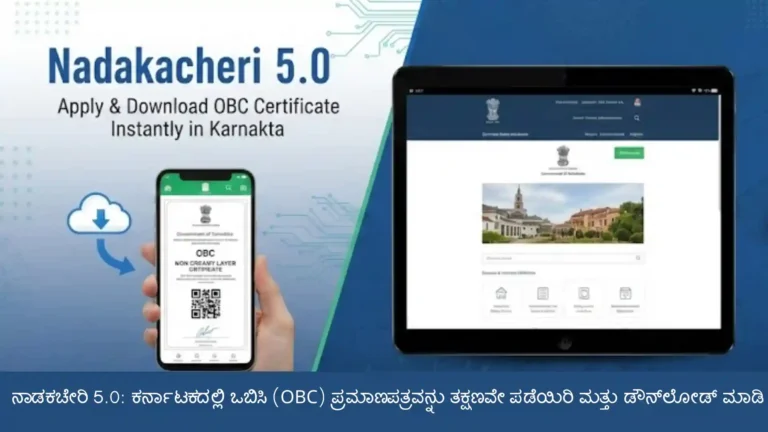
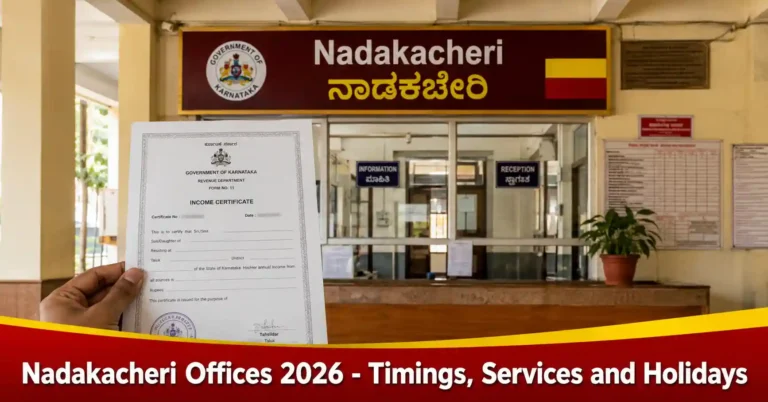
The Nadakacheri app is an option for Android users who want to explore information related to Karnataka’s Nadakacheri services on their mobile phones. These services cover different types of government certificates, including caste certificates, income certificates, and other documents used for official purposes.
If you are looking for the Nadakacheri app download, this guide explains where to find the download page, how to install the app, what services are related to Nadakacheri, and how to access the official portal when needed.
Nadakacheri App Download Link
You can visit the following page to access the Nadakacheri app download options for Android.
Download Nadakacheri App: https://nadakacheri.en.softonic.com/android
The app available through this page is unofficial and is not an official Karnataka government application. The download page provides app information and available download options, so review the details before proceeding. If you need to apply for a certificate, check an application, or access an official government record, use the official Nadakacheri website.
How to Download the Nadakacheri App on Android?
Follow these steps to access the app download page on your Android phone:
- Open Chrome or another browser on your phone.
- Visit https://nadakacheri.en.softonic.com/android.
- Review the app details and available download options.
- Choose an option that is available for your device.
- Follow the instructions provided on the page.
- Before opening a downloaded file, check its source and review any security warnings displayed by your phone.
How to Install the Nadakacheri App
Once you have downloaded the app file, follow the installation instructions shown on your Android phone. If you download an APK file from outside Google Play, Android may ask you to permit installation from that source. Take care before allowing it, as installing files from outside an official app store can carry security risks. Before proceeding, keep these points in mind:
- Check the source of the downloaded file.
- Make sure the app is compatible with your Android version.
- Review the permissions requested during installation.
- Do not ignore security warnings or disable phone protection just to install the app.
- Avoid installing the file if its source cannot be verified or your device identifies a security risk.
After installation, open the app and review its available features and privacy information before using it.
How to Use the Nadakacheri App?
After opening the app, you can explore the options it provides for Nadakacheri-related information. The exact menus and features may vary depending on the version you install. Here is a general way to get started:
- Open the app on your Android phone.
- Explore the available menus and service information.
- Select the feature you want to use.
- Read the instructions provided on the screen.
- For official applications or government records, visit the Nadakacheri portal to complete or verify the process.
Which Services Can You Access Through the Nadakacheri App?
Nadakacheri, also known as Atalji Janasnehi Kendra (AJSK), provides access to various Karnataka government services. Here are some important Nadakacheri services that users may want to explore.
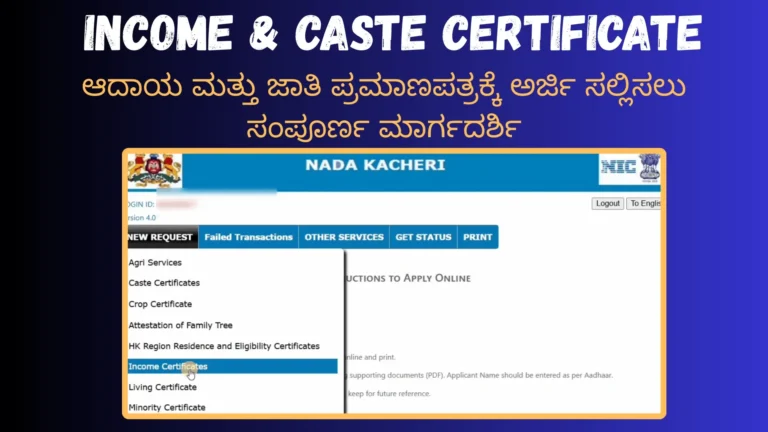
Caste Certificate
A caste certificate is used to establish a person’s caste for eligible educational, government, and other official purposes. Residents of Karnataka can find information about caste certificate services through Nadakacheri.
Income Certificate
An income certificate provides information about a person’s or family’s income. It may be required for eligible scholarships, government schemes, and other purposes where proof of income is needed.
Residence Certificate
A residence certificate is needed to establish residence for certain administrative or official purposes. The requirements depend on the service and the applicant’s circumstances.
Domicile Certificate
A domicile certificate relates to a person’s domicile status and is required for certain educational or government-related purposes.
Family Tree Certificate
A family tree certificate records family relationships for situations where such documentation is required.
Application Status
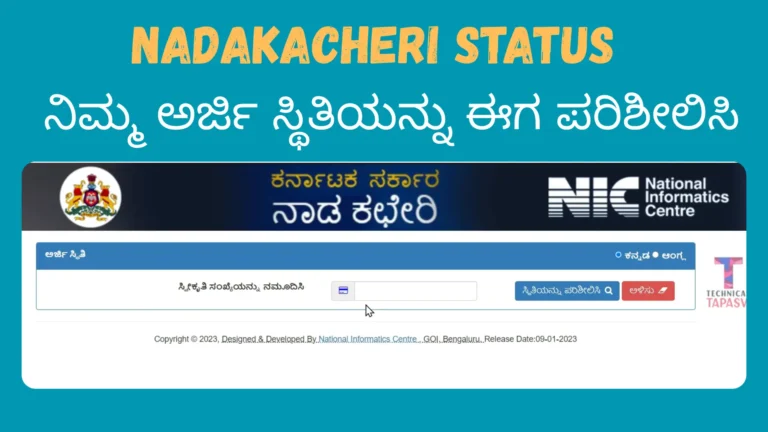
After submitting an application through the official system, you may want to check its progress. The Nadakacheri portal provides application-status facilities for relevant services.
Can You Use Nadakacheri Without Installing an App?
Yes. You can access the official Nadakacheri portal through a browser on your Android phone, iPhone, tablet, or computer. Installing an app is not necessary just to visit the government website. Follow these steps:
- Open a web browser on your device.
- Visit https://nadakacheri.karnataka.gov.in/.
- Find the certificate service or other option you need.
- Read the instructions and eligibility requirements.
- Follow the official process and provide the required details.
This is a practical option if you do not want to install an APK file or if the app is unavailable or incompatible with your phone.
Safety Tips Before Using the Nadakacheri App
Before downloading or using an unofficial app, take a few precautions to protect your personal information.
- Check the download source: Review the page and file information before installing the app.
- Protect your documents: Avoid sharing identity documents or sensitive personal details unless you trust how the information will be handled.
- Keep OTPs private: Never share verification codes or passwords with someone claiming to help you use the app.
- Review permissions: Be cautious if the app requests access that does not seem necessary for its features.
- Pay attention to security warnings: Do not bypass warnings simply to complete an installation.
- Verify government records: Use the official portal for application status, certificate details, and other important transactions.
These precautions can help you make an informed decision about installing the app or using the official website instead.
Conclusion
The Nadakacheri app offers an option for Android users who want to explore Nadakacheri-related information on their phones. You can visit https://nadakacheri.en.softonic.com/android to download the app.
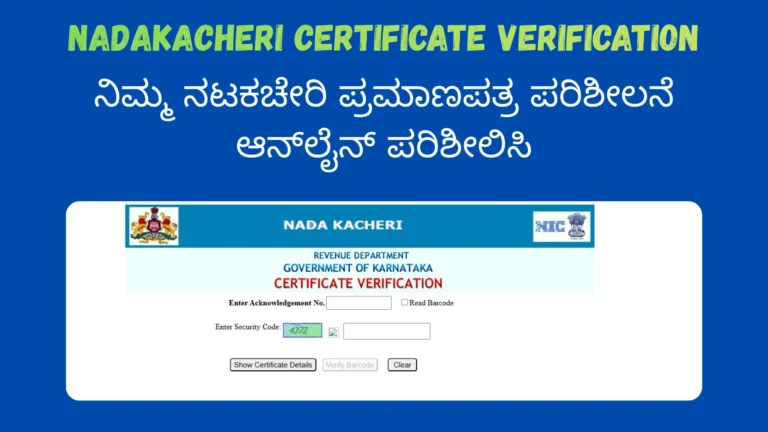
The app is unofficial, so be careful when downloading it or sharing personal information. For government certificate applications, application-status checks, certificate verification, and other official tasks, visit the official Nadakacheri portal and follow the instructions provided there.